

A KUHB repository is trusted code. It may run hooks in dom0 and scripts as root inside Qubes OS VMs. Complete Running AI Audits Before Adding External Repositories and your own manual review before Add or Update.
Add selects a commit; it does not audit it
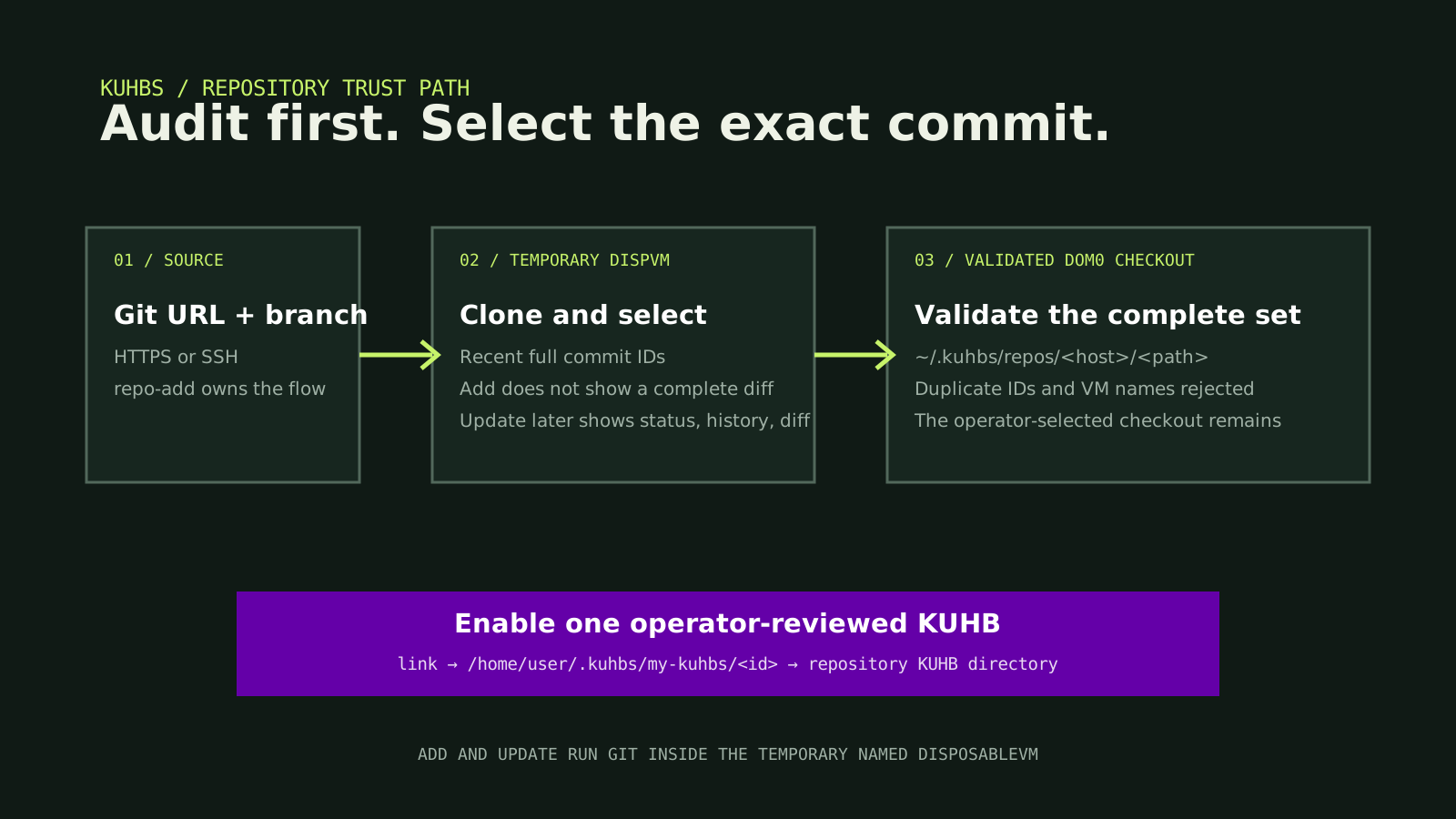
repo-add creates a temporary named DisposableVM from the configured repository template and clones one branch there. It shows recent full commit IDs, timestamps, and subjects, then asks you to select the commit you already audited. The Add flow does not show a complete source diff. Commit selection is not a security review.
kuhbs repo-add https://github.com/kuhbs/my-kuhbs-demo main
kuhbs repo-list
Dom0 receives the selected checkout, validates its KUHBs and the complete active set, and stores it under /home/user/.kuhbs/repos. Add cleans its candidate after validation failure.
Enable one audited definition:
kuhbs link github.com/kuhbs/my-kuhbs-demo/demo-app
kuhbs check
The GUI names these actions Add repo and Enable. Enable creates an active symlink under /home/user/.kuhbs/my-kuhbs; it does not create Qubes OS VMs.
Review every update
Update transfers the complete current checkout to a fresh repository DisposableVM, fetches the selected upstream commit, rebases supported local commits, and reapplies ordinary tracked, untracked, and ignored edits. It then shows final status, history, diff statistics, and the tracked diff. Only exact y applies that candidate to dom0.
kuhbs update-repo github.com/kuhbs/my-kuhbs-demo
Existing active symlinks follow the stable repository path after replacement. Existing Qubes OS VMs are not automatically recreated. Review Create-time or launcher changes, back up required data, then Remove and Create when those changes must take effect.